

Directions to setup a site from begin without quickstart
I will show step by step to setup a site from begin based on joomla 2.5. "Birdsign" is one of our templates and choosen as an example.
Step 1: Download joomla 2.5 and extract files in a folder, I named this folder "lamtudau25". After that, open it in a tab with address "localhost/lamtudau25" in order to install data. That will be showed in this picture:
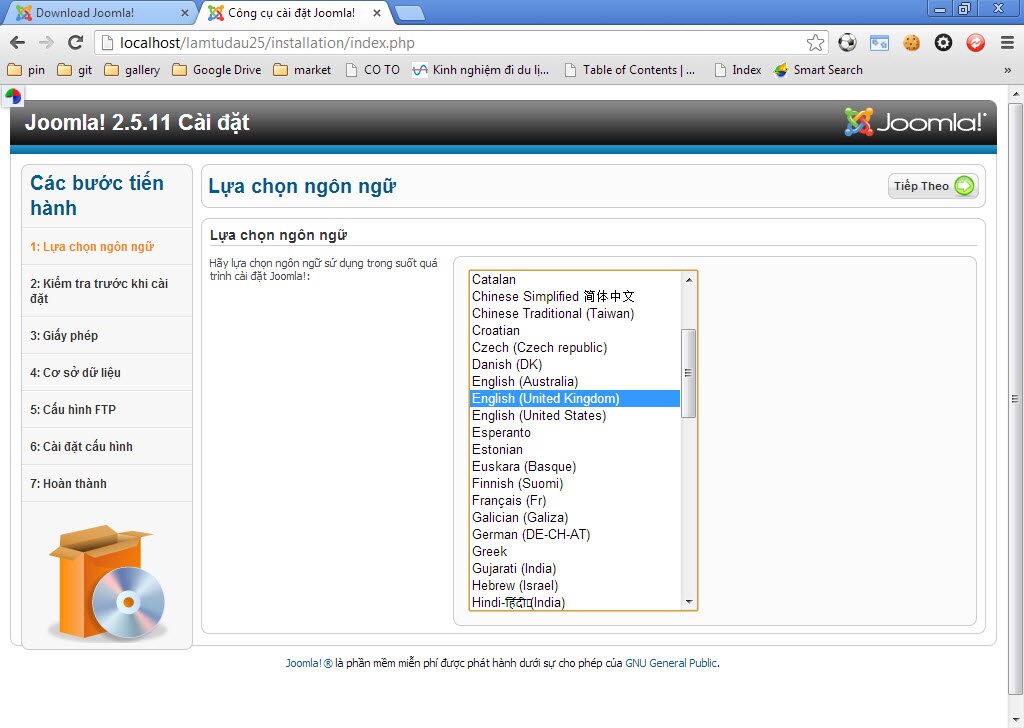 Then choose language (English).
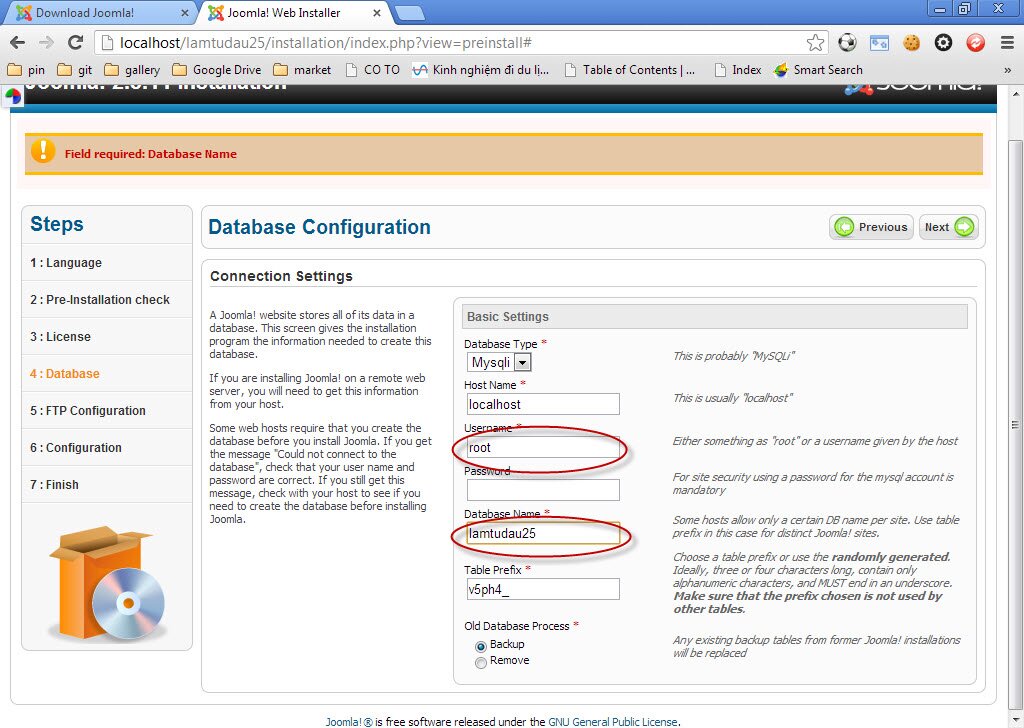
Step 2: Then click "next" until step 4 - Database.
Write information as directions in this picture.
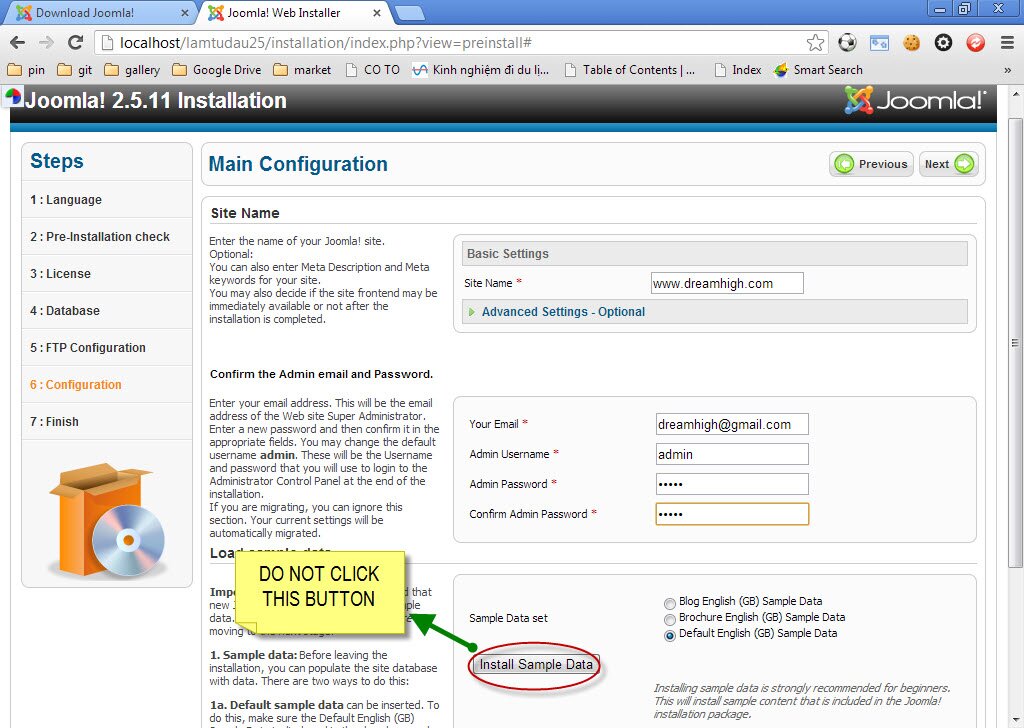
Step 3: Click "next" again until step 6 - Configuration, write down your information, eg: your site name, your email, password, etc.
Please note that DO NOT click button "Install Sample Data". Do totally same as this picture and click "Next".
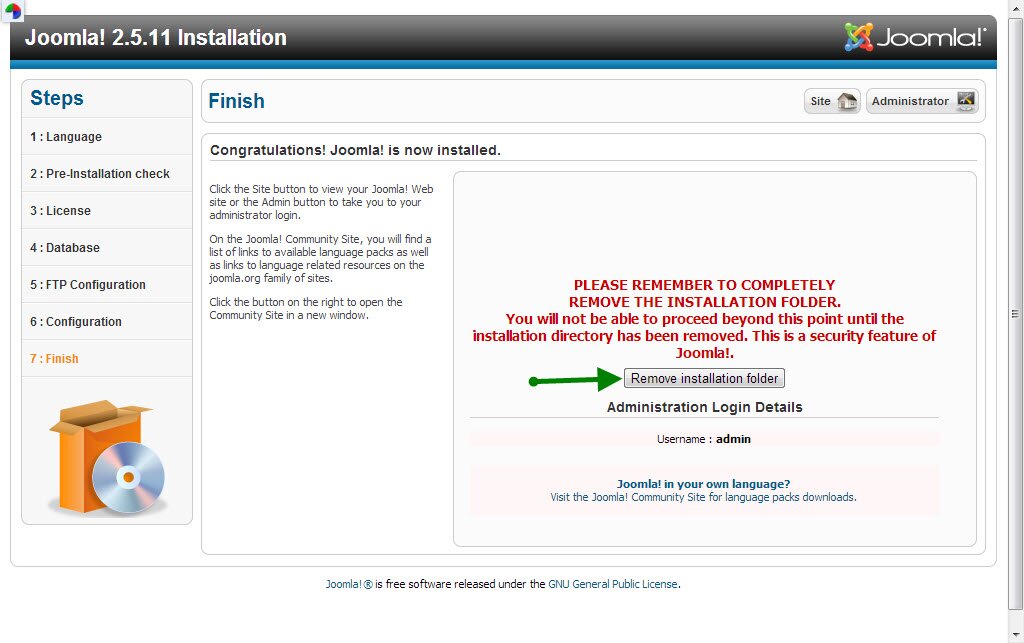
Step 4: After click "Next", you will see the tab like this piture and click the button that the green arrow leads.
Later, if you click "Site" or open a new tab with "localhost/lamtudau25", the site will be showed without any data as below:
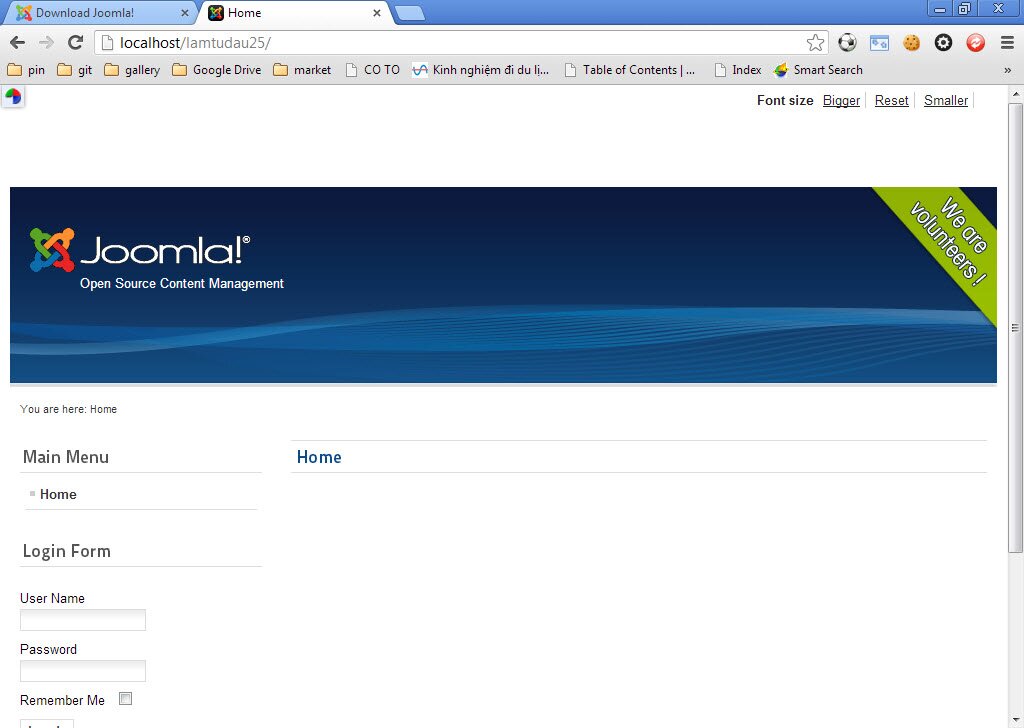
Step 5: Go to the site as admin by opening a tab with "localhost/lamtudau25/administrator to setup template for your site.
In step 2, user name and password that I wrote admin for remembering easily but you can write your own as you want.
After loging in, do as this picture leads:
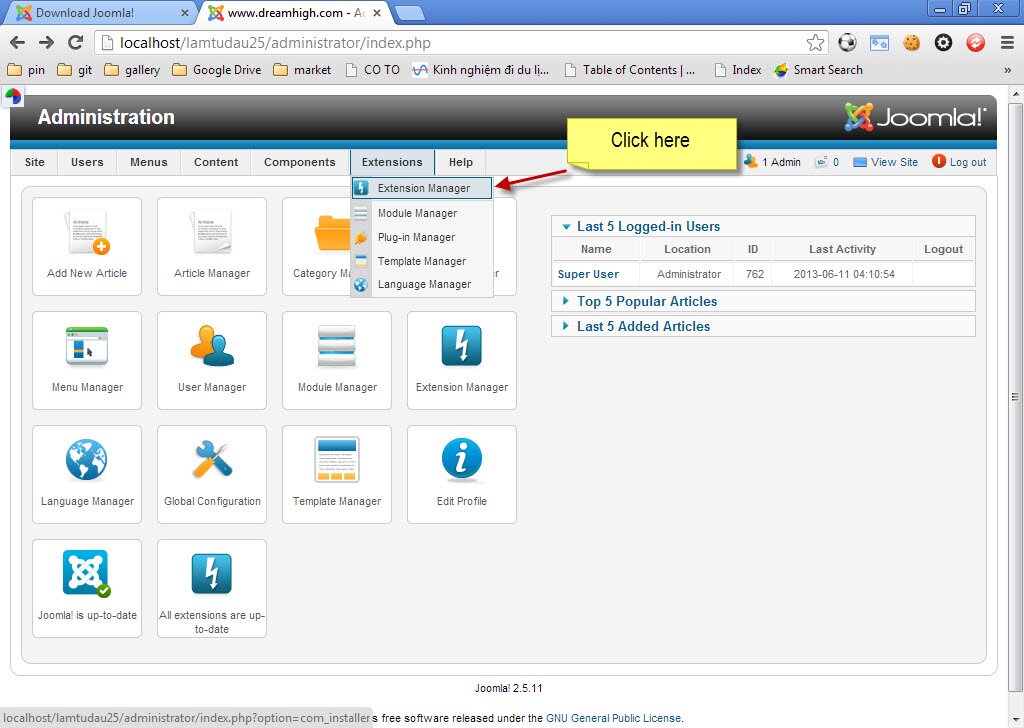
Step 6: Choose the file in template "Birdsign" downloaded before:
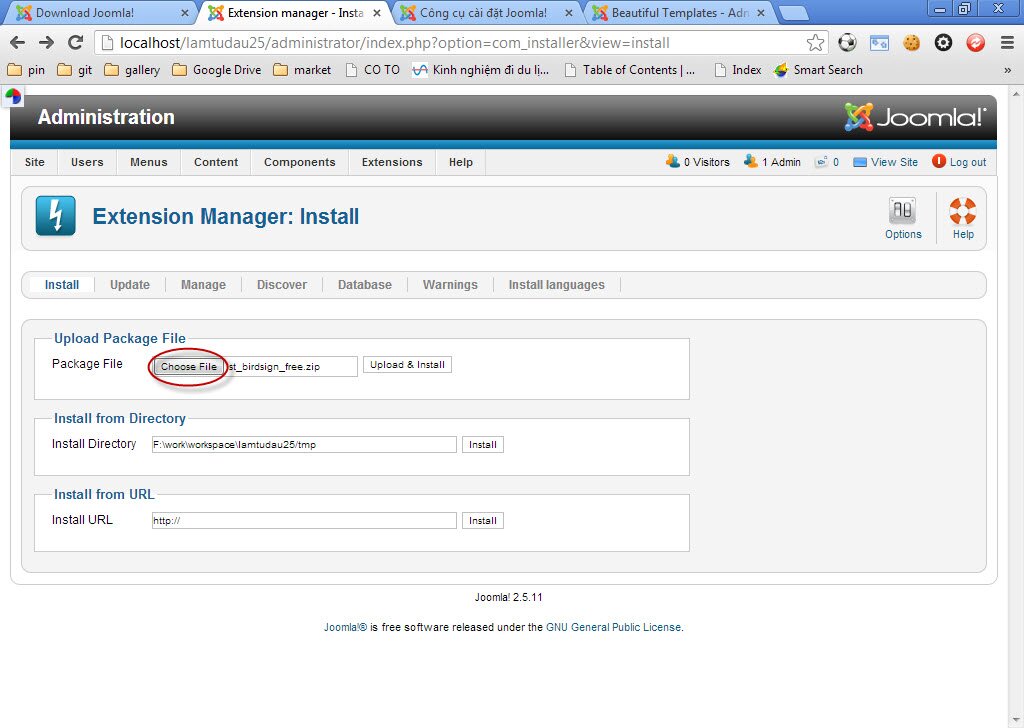
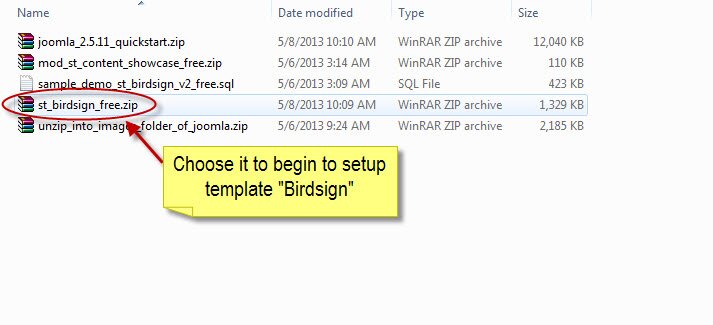
Step 7: After choosing template file, click "Upload and install":
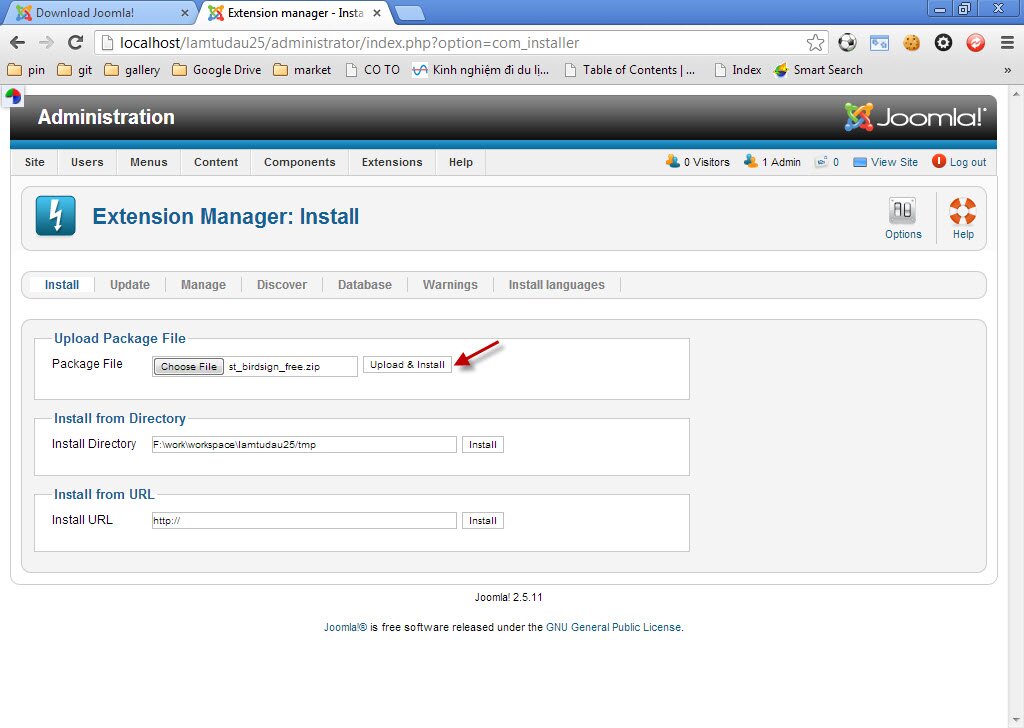
After uploading successfully, you will receive this notification:
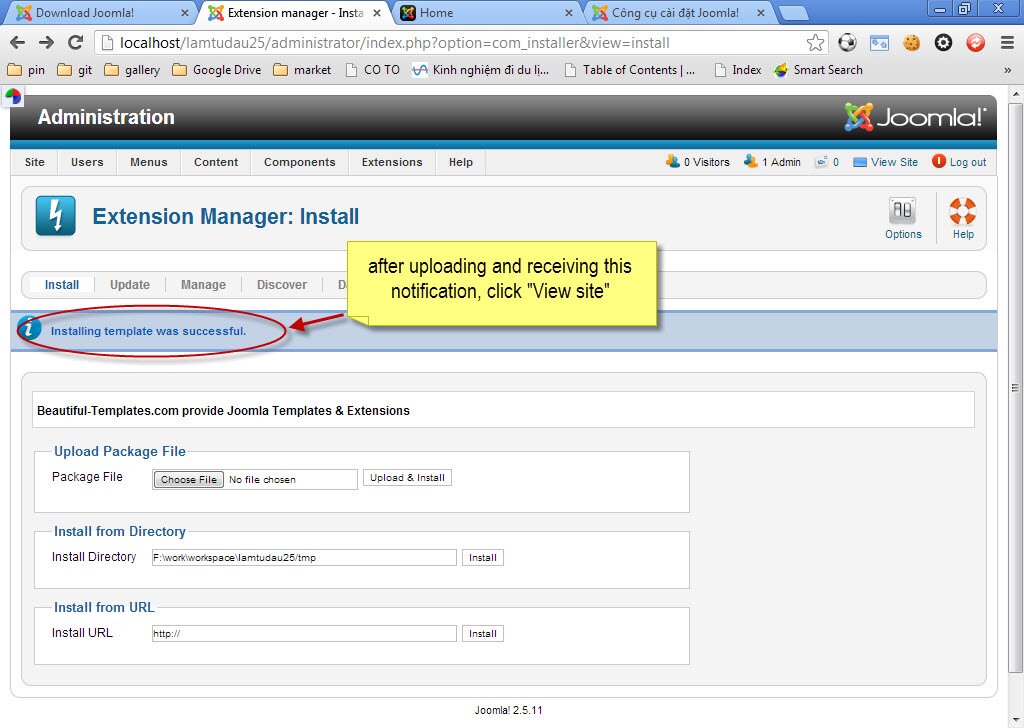
When clicking "View site", interface of the site will be shown as below:
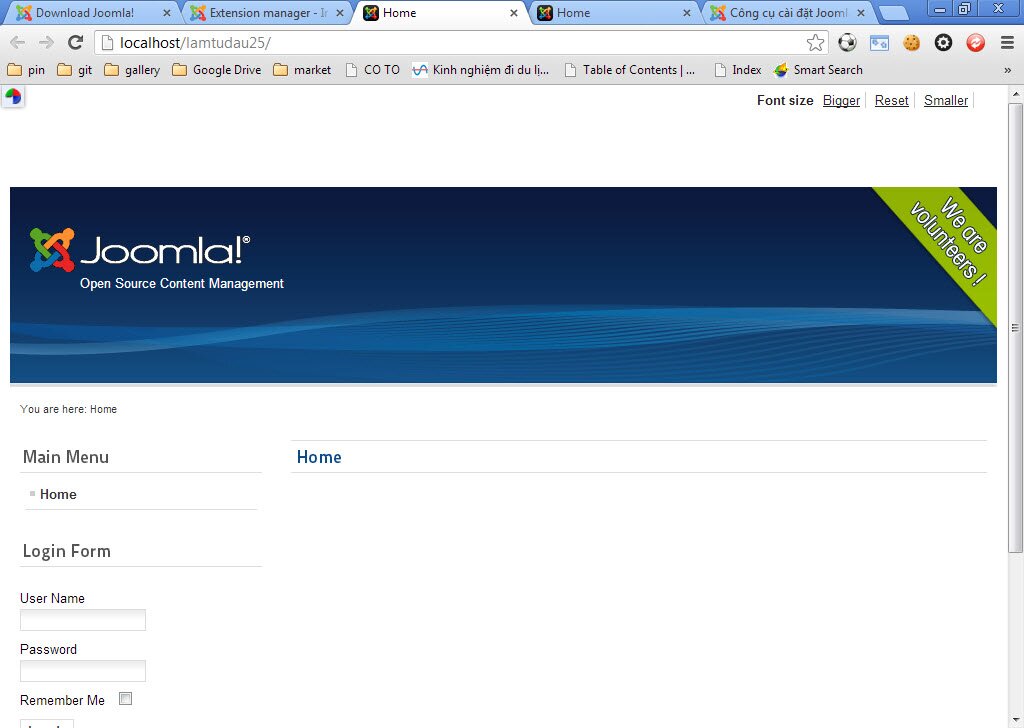
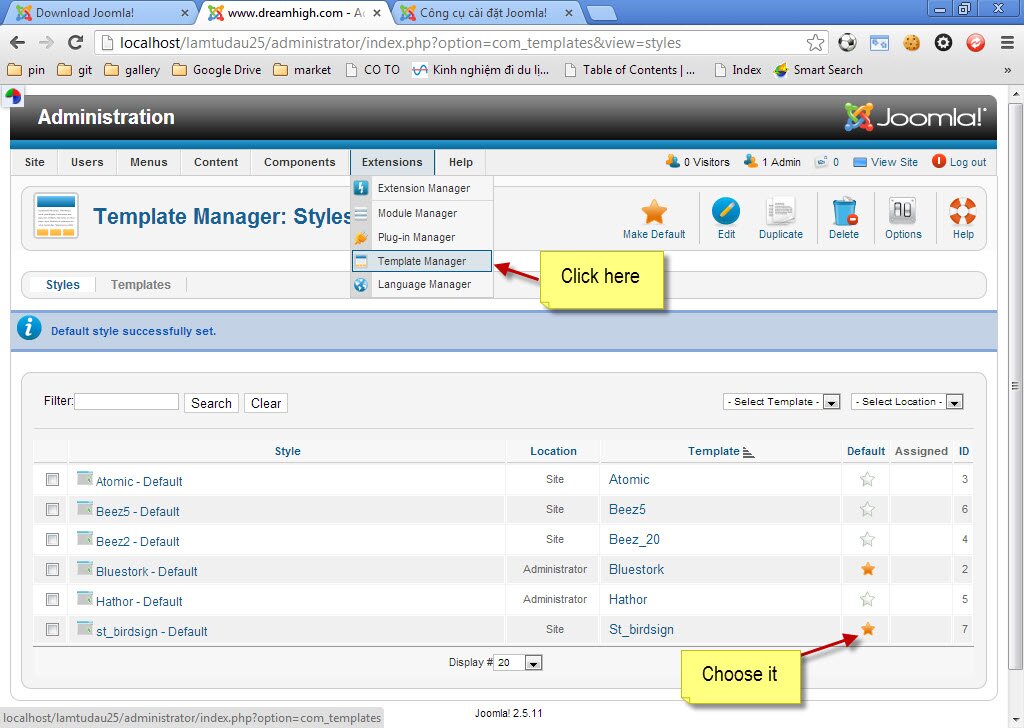
Step 8: Now, start to setup template "Birdsign" for interface of your site.
Do as this picture shows:
Click "View site" again, the interface will be as below:
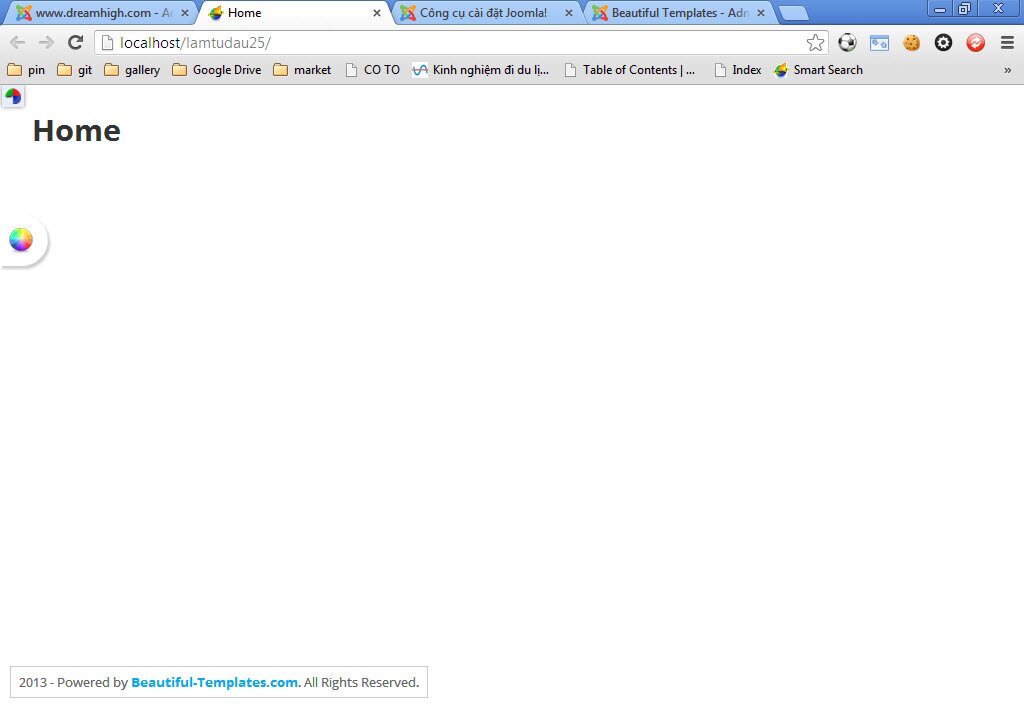
The site is still clear because we have not updated data yet. So now we will setup each module as in demo. By the way, you should setup quickstart so that you can compare site with quickstart and without quick start.
If you still do not know how to setup quickstart, please reference this link:
http://beautiful-templates.com/index.php/blog/106-how-to-setup-quickstart